Amazon Business Automation Without Losing Control

Olivia Reyes

Amazon Business Automation: How to Run Smarter Without Losing Control

Are you building systems that scale, or are you still the system holding your Amazon business together?
Amazon business automation is often pitched as a shortcut to passive income. Experienced sellers know that is rarely realistic. Done right, automation does not remove you from the business. It removes friction, reduces decision fatigue, and creates consistency across inventory, pricing, ads, fulfillment, and customer communication.
This guide breaks down what Amazon seller automation tools actually do, how they interact, and where automation genuinely helps you scale Amazon business efficiently without introducing unnecessary risk.
What “Amazon Business Automation” Actually Means
At its core, Amazon business automation is the structured use of software, settings, and rules to execute repetitive tasks tied to your Seller Central operations.
The key concept is rule-based execution.
If a task follows logic like “when X happens, do Y,” it is a candidate for automation. If it requires judgment, brand positioning, creative decisions, or policy interpretation, it usually needs human oversight.
In practice, automation often touches five areas:
Inventory management
Repricing
PPC bid management
Order fulfillment routing
Customer communication and review requests
Each area can be automated independently, but the real leverage shows up when they operate under coherent constraints.
For example, an automated Amazon repricing strategy can influence Buy Box competitiveness. That can affect conversion rate. That can shift ad efficiency. That can change inventory velocity and reorder timing. Automation is rarely isolated. It is a system.
Understanding those connections is what separates thoughtful automation from expensive noise.
The Moving Parts: Where Automation Lives in Your Stack

Most sellers use a mix of:
Native Seller Central features
Third-party Amazon FBA automation software
Multi-channel inventory systems
Advertising management tools
Amazon’s built-in features can include pricing automation settings, inventory alerts, and the “Request a Review” workflow. These are helpful, but they can be limited in flexibility compared to specialized platforms.
Third-party Amazon seller automation tools may expand capabilities with:
Conditional repricing logic
SKU-level forecasting and purchasing suggestions
Rule-based bid adjustments
Automated messaging flows
Multi-channel stock syncing
The decision is not “native vs external.” It is about control, complexity, and risk tolerance.
If you manage 20 SKUs with stable demand, basic automation may be sufficient. If you manage 400 SKUs across FBA and FBM with volatile competition, rule sophistication and monitoring become critical.
Automation should match operational complexity, not ambition.
Automating Inventory Management Without Causing Stockouts

Inventory automation can quietly protect margin, or it can create stockouts and expensive catch-up shipping.
To automate Amazon inventory management properly, you typically need three layers:
Stock visibility that updates frequently enough for your sales velocity
Reorder triggers (minimums, buffers, and lead times)
Forecast logic (velocity, seasonality, and planned changes)
Basic automation sets low-stock alerts. More advanced systems forecast demand using historical sales and seasonality, then generate reorder recommendations.
The intent is simple. You want inventory decisions to respond to data, not panic.
Sellers often automate reorder timing without accounting for:
Supplier lead time variability
Carrier delays
Amazon receiving and check-in variability
Planned promotions or ad scaling
If you increase ad spend but your forecast still relies on trailing averages, you can create artificial stockouts.
Inventory automation works best when forward-looking signals are included. If you plan to increase budgets, adjust reorder inputs now, not after velocity changes. That is how you automate Amazon inventory management without letting the tool fight your strategy.
Automated Amazon Repricing Strategy: Compete Without Racing to the Bottom

Repricing is one of the most misunderstood parts of Amazon business automation.
Many sellers assume repricers simply drop price until the Buy Box appears. That is a crude approach that can erode margin fast, especially on shared listings with aggressive sellers.
A defensible automated Amazon repricing strategy starts with constraints such as:
Minimum price based on real unit economics (including fees, freight, prep, and returns)
Maximum price to avoid pricing errors and unintended suppression
Competitor type filters (for example, FBA vs FBM)
Seller performance considerations, where supported by your tool
Buy Box and offer position logic
Tools may support automated Amazon repricing rules like:
Match the Buy Box price only when the competing offer meets specific criteria
Undercut by a small increment only within margin guardrails
Hold price when you are already competitive, rather than chasing pennies
The point is not to be the cheapest. It is to defend contribution margin while staying competitive on the right listings.
Repricing can improve competitiveness, but it does not guarantee incremental demand. On many listings, repricing mostly reallocates who wins existing demand. On differentiated private label listings, pricing discipline can be more valuable than constant repricing.
Amazon PPC Automation Tools: Where Algorithms Help (and Hurt)

Amazon PPC automation tools are often marketed as “set and forget.” In practice, they are closer to “set and supervise.”
What these tools commonly automate:
Bid adjustments based on ACoS, ROAS, CPC, or conversion targets
Search term harvesting into structured campaigns
Budget pacing and reallocation
Dayparting rules
Negative keyword suggestions or insertion, depending on permissions and configuration
The logic is attractive. If a target hits the goal, raise bids. If it misses, lower bids. The risk is that ad performance is noisy and can lag, especially around creative changes, price changes, couponing, and seasonality.
Automation is most reliable when:
Targets are realistic, not aspirational
Data windows are long enough to smooth volatility
Budget caps align with inventory depth and replenishment timing
If your break-even ACoS is 28%, setting automation to force 20% can throttle growth and distort learning. When Amazon PPC automation tools reflect your margin structure and goals, they can reduce manual workload while keeping decisions consistent.
How to Streamline Amazon Order Fulfillment Without Losing Visibility

For FBA-heavy sellers, fulfillment can feel built-in. Amazon handles pick, pack, ship, and customer service for many delivery issues. Complexity increases when you:
Run hybrid FBA plus FBM
Sell on multiple channels
Use 3PLs
Build bundles or kitting workflows
To streamline Amazon order fulfillment, automation commonly includes:
Routing FBM orders to a 3PL
Tracking synchronization back to Amazon
Inventory deduction across channels
Exception alerts for late shipments, cancellations, or routing failures
The main risk is sync failure.
If your inventory system lags or fails to reconcile, you can oversell on Amazon while stock is committed elsewhere. That can lead to cancellations or late shipments, which can harm Account Health and performance metrics.
Automation should include exception monitoring and reconciliation. Silent failure is worse than manual work.
A practical rule: every automated fulfillment flow needs a daily reconciliation check, even if it is just reviewing dashboards and exception queues.
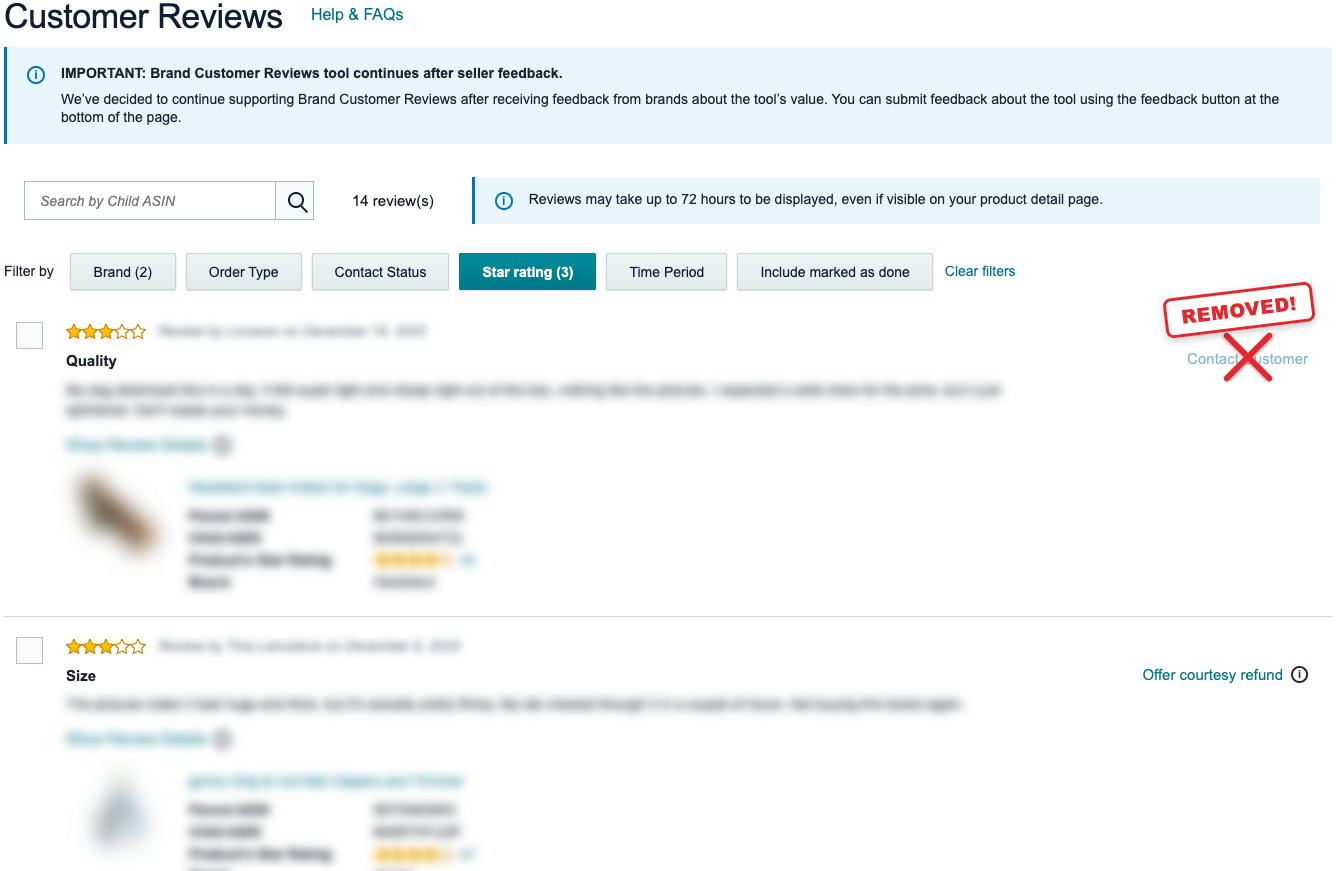
Automating Customer Communication and Reviews Without Violating Policy

Two high-leverage areas for automation are post-purchase messaging and review requests.
To automate Amazon customer communication, sellers typically use tools and approved integrations to:
Send transactional updates for FBM, when needed and compliant
Provide usage instructions or troubleshooting guidance
Route customers to support channels that do not divert them away from Amazon for order resolution
Trigger compliant review requests
Amazon provides a native “Request a Review” feature, and some tools can initiate that workflow through approved methods. Always confirm that any messaging automation is compatible with Amazon’s current communications policies and the Buyer-Seller Messaging rules.
When you automate Amazon customer reviews, compliance matters. Messages should avoid:
Incentivizing reviews in any form
Asking specifically for positive reviews
Using manipulative language or pressuring the buyer
Attempting to divert feedback off-Amazon for the purpose of avoiding negative reviews
The goal is consistent execution, not persuasion. Good automation ensures every buyer receives the same structured, compliant experience, which can increase review volume over time without crossing policy lines.
One operational warning: if product quality is unstable, aggressive review requests can amplify negative feedback. Fix the underlying issue before increasing message volume.
Short Case Examples
Case 1: Mid-Sized Private Label Brand
Hypothetical scenario: A seller with 60 SKUs and stable revenue implements Amazon FBA automation software for forecasting and repricing.
Result:
Stockouts decrease because reorder triggers account for seasonality and lead times.
Repricing settings protect margins by filtering competitors that do not match the seller’s offer standards.
PPC automation improves efficiency after ACoS targets are adjusted to match real contribution margin.
Key lesson: automation improves profitability when settings match financial reality.
Case 2: Hybrid FBA/FBM Seller Expanding to Shopify
A seller begins syncing inventory across Amazon and Shopify and uses automation to streamline Amazon order fulfillment.
Initial problem:
Overselling due to delayed inventory updates.
Higher cancellation and late shipment risk.
Solution:
Reduced sync interval where possible.
Implemented a buffer stock rule that reserves units for Amazon.
Added daily reconciliation and exception monitoring.
Key lesson: automation without buffers increases operational risk.
Case 3: Aggressive PPC Automation Gone Wrong
A seller deploys Amazon PPC automation tools with a strict 18% ACoS target.
Outcome:
Bids reduce across discovery keywords.
Traffic drops.
Organic ranking weakens over time.
Revenue declines.
Fix:
Switched to tiered targets by intent and lifecycle stage.
Allowed higher ACoS for ranking and research campaigns.
Applied automation within segmented structures instead of across the entire account.
Key lesson: automation cannot compensate for flawed strategy.
Common Misunderstandings About Amazon Seller Automation Tools
“Automation means I do not need to monitor my account.”
Automation shifts work from execution to supervision. You still review dashboards, exceptions, and account health signals.
“More automation is always better.”
Over-automation increases systemic risk. Each tool adds integration points, and each integration point can fail.
“Repricers guarantee Buy Box wins.”
They can increase competitiveness within defined constraints. They do not override fulfillment method, inventory availability, price, or seller performance factors.
“PPC automation replaces campaign structure.”
If your campaign architecture is messy, automation optimizes chaos faster.
Where Automation Breaks Down
There are limits to Amazon business automation.
New product launches require judgment, especially with limited data. Seasonal spikes can mislead forecasting tools when historical data is thin or distorted. Account health issues often require human intervention and careful documentation. Automation cannot resolve disputes or interpret policy nuance for you.
Differentiated brands often benefit more from deliberate pricing than from frequent price movement. Finally, automation does not fix thin unit economics. If margins are weak, repricing and bid rules can accelerate losses faster than manual management.
Automation amplifies systems. It does not create them.
What Actually Matters When You Automate
If you want to scale Amazon business efficiently, focus on fundamentals:
Automate stable, rule-based processes first, then expand.
Define financial guardrails before enabling repricing or bid automation.
Keep forecasting aligned with growth plans, not just past velocity.
Add buffer stock and reconciliation checks when syncing inventory across channels.
Use automated Amazon repricing rules that protect margin, not just offer position.
Review exception reports and account health signals daily, even with automation.
Treat automation as force multiplication, not delegation of responsibility.
With the right Amazon seller automation tools, you can reduce manual workload while increasing consistency. The goal is not to disappear from the business. The goal is to build operations that remain predictable and profitable while you focus on strategy.
When configured correctly, Amazon business automation can streamline Amazon order fulfillment, automate Amazon customer communication, automate Amazon customer reviews, and reduce repetitive decision-making. It can also create room for more advanced systems like Amazon PPC automation tools and a disciplined automated Amazon repricing strategy that scales without racing to the bottom.