Amazon Listing Not Showing Up? Fix Visibility

Olivia Reyes

Amazon Listing Not Showing Up in Search Results? A Practical Guide to Getting It Back
If your Amazon listing active but not searchable, do you assume an Amazon search indexing delay, or do you treat it like a suppression until proven otherwise?
Most experienced sellers lose time here. They tweak keywords, relaunch ads, or blame seasonality, when the real issue is structural. The ASIN is either search suppressed, not indexed yet, or the detail page is unavailable. Until you diagnose which state you are in, every “fix” is guesswork.
This guide breaks down how to handle an Amazon listing not showing up in search results, how to interpret yanked vs suppressed Amazon listing scenarios, and how to restore Amazon listing visibility without chasing noise.

When “Active” Doesn’t Mean Visible
In Seller Central, “Active” generally means the offer is available for purchase. It does not guarantee that the product detail page is indexed for search, that it is winning the Buy Box, or that it will appear in keyword results.
There are three distinct states to differentiate:
Amazon search suppressed listing
A search suppressed listing can have a live detail page, and the product may be reachable by direct URL. It may not appear in search results or browse, especially for keyword discovery.
Amazon detail page removed
When an Amazon detail page removed event occurs, the detail page may not be accessible to customers, or it may show an error page. Causes vary, and resolution often requires addressing a policy, compliance, or catalog issue rather than just editing copy.
Indexed but not ranking
The ASIN can be searchable, including by ASIN query, but still fail to rank for target keywords. That is typically relevance, competition, or traffic history, not suppression.
Before touching copy or bids, run two checks:
Search the exact ASIN in the Amazon search bar.
Open the direct detail page link while logged out, or in an incognito window.
If Amazon ASIN not searchable behavior persists when you search the ASIN, suspect suppression, indexing, or a catalog problem. If the page does not load for customers, treat it as a detail page issue. If it is searchable by ASIN but not by keywords, treat it as ranking and relevance.
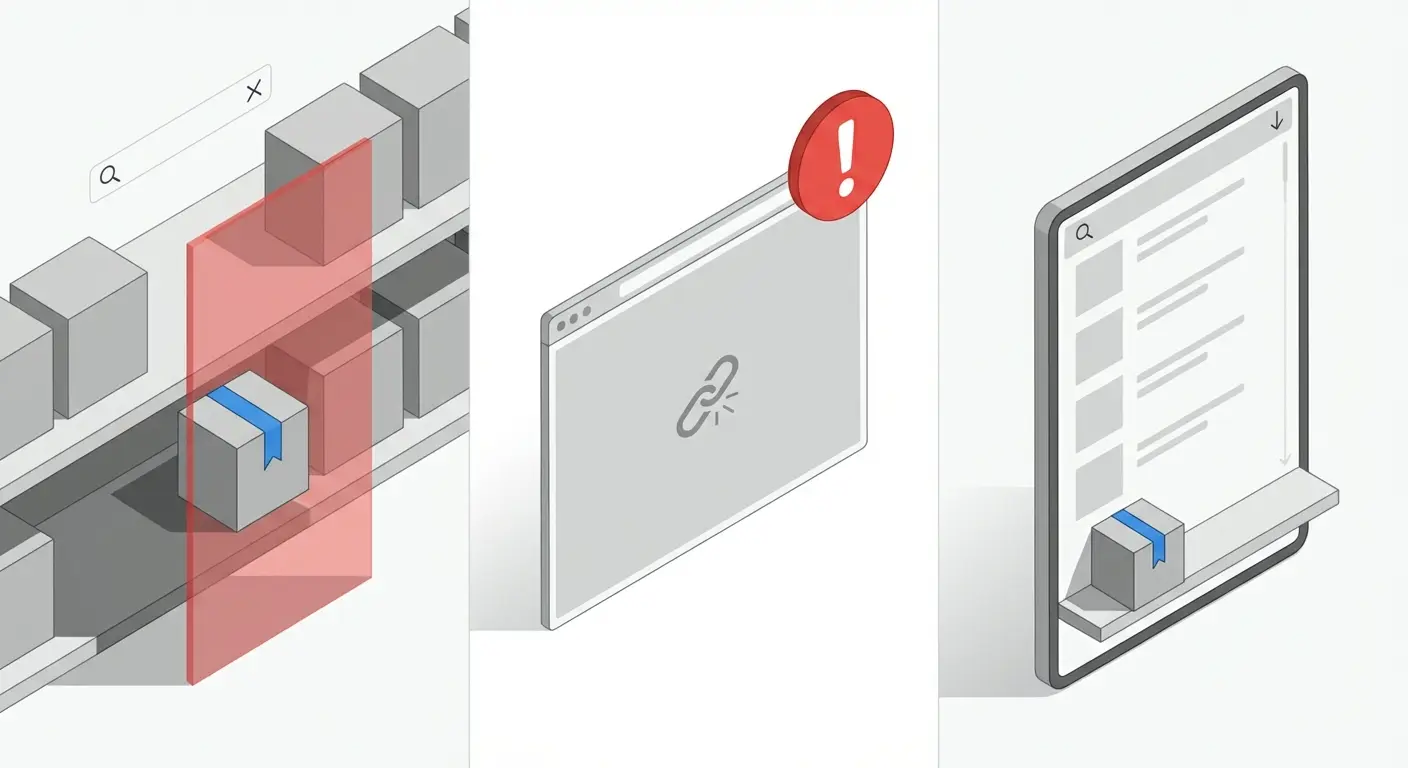
What Actually Causes an Amazon Listing to Disappear from Search
When Amazon listing active but not searchable occurs, root causes usually fall into four buckets: data quality, compliance, pricing, or latency.
Data quality suppression
A frequent cause of Amazon search suppressed listing status is incomplete or non-compliant catalog data.
Common triggers include:
Missing main image
Non-compliant image (overlays, watermarks, or other policy-sensitive elements)
Title length that exceeds category guidance or causes validation issues
Missing required attributes (size, color, material, compatibility, and other category-specific fields)
Broken variation attributes or mismatched variation theme inputs
You can often check if Amazon listing is suppressed in Seller Central using:
Inventory → Manage All Inventory, then filter for “Search Suppressed” when available
Fix Your Products (availability varies by account and marketplace)
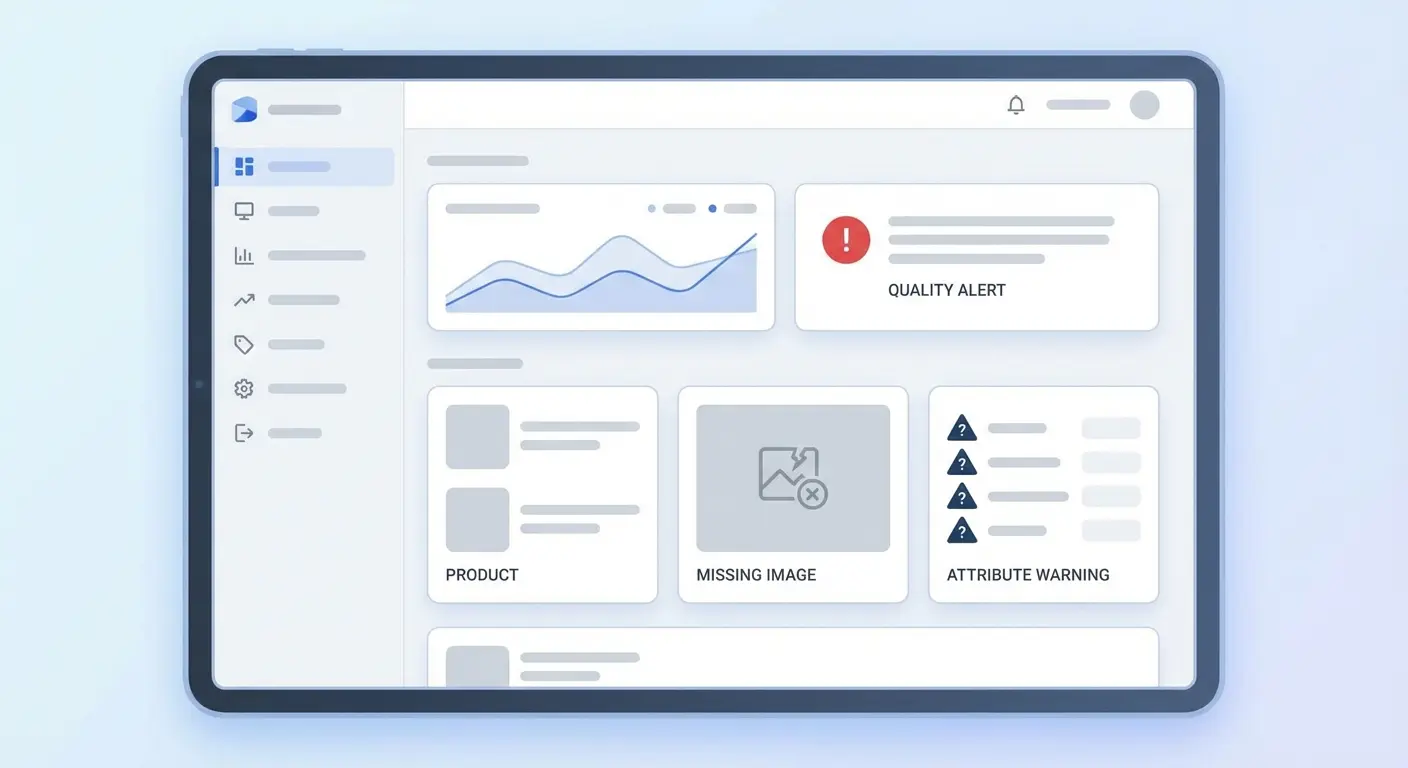
Amazon listing quality dashboard
The Amazon listing quality dashboard can also surface missing Amazon listing data before suppression becomes obvious in traffic.
Compliance or policy triggers
If an Amazon detail page removed situation is involved, common drivers include:
Restricted or gated category issues
Product compliance documentation requests
IP complaints or authenticity-related complaints
Condition, bundling, or variation policy concerns
This is rarely solved by routine edits. It typically requires you to address the specific notification, documentation request, or policy issue tied to the ASIN.
Pricing and offer eligibility issues
Pricing policies and offer eligibility can affect discoverability and sales velocity, and in some cases can make offers effectively non-viable for customers. Fair Pricing and other offer-related rules can also limit a buyable offer.
This tends to show up during:
Automated repricer errors
Shipping cost changes that distort the all-in price
Cross-channel pricing mismatches that trigger pricing scrutiny
If a listing suddenly drops in visibility, verify pricing health and offer status alongside catalog health.
Amazon search indexing delay
Amazon search indexing delay can happen, especially after:
Creating a new ASIN
Significant attribute changes
Variation restructuring
Category or browse path updates
Bulk updates that touch many fields
Indexing can take hours and sometimes longer, depending on category, marketplace load, and the scope of changes. Repeated edits during this window can prolong reprocessing.
A Step-by-Step Way to Diagnose the Real Problem
When a listing disappears, move through this sequence.
Step 1: Confirm indexing status
Type the exact ASIN into the Amazon search bar.
If the product appears, it is at least indexed for ASIN-level search.
If it returns no results, treat it as Amazon ASIN not searchable and investigate suppression, indexing, or catalog processing.
If the detail page does not load for customers, investigate whether the page is unavailable or removed.
Step 2: Use Seller Central suppression and quality tools
In Seller Central:
Inventory → Manage All Inventory → look for suppression indicators and any available “Search Suppressed” filtering
Review Fix Your Products when present
Open the Amazon listing quality dashboard
If the ASIN is flagged, Amazon often provides a specific reason. That is your fastest path to fix Amazon listing errors without unnecessary edits.
Step 3: Inspect the detail page like a customer
Open the product detail page and check:
Whether the offer is purchasable
Whether the Buy Box is present for your offer
Image rendering and compliance
Attribute completeness
Variation selection behavior and whether a specific child is unavailable
Some issues present as partial suppression, where the page loads but discoverability or browse placement is impaired.

Step 4: Review recent catalog changes
Ask:
Did you change category or product type?
Did you upload via flat file?
Did you update images or variation attributes?
Did you restructure the parent-child relationship?
Many cases of Amazon listing not showing up in search results happen after bulk uploads that overwrite or blank out required fields. This is a leading cause of missing Amazon listing data, especially when templates are reused across categories.
Practical Patterns to Fix Suppressed Listings
Once confirmed, focus on fix suppressed Amazon listing work that restores compliance first and optimization second.
Fix data gaps first
If suppression is driven by missing or invalid catalog data:
Upload a compliant main image
Correct title length and formatting issues
Populate required attributes in the correct fields
Confirm variation attributes match the variation theme
Verify the browse classification inputs that your category expects
Treat recovery as a stabilization phase. Minimize experimentation until the ASIN is healthy again.
Re-submit clean, complete data when needed
If the listing has many layered edits, or the UI is not reflecting the real backend state:
Pull the appropriate category template or listing report
Correct required fields and key attributes
Re-upload a controlled, complete update
This often resolves backend attribute conflicts that do not fully surface in the UI and helps you fix Amazon listing errors at the source.
Correct pricing and offer signals
If pricing or offer eligibility is implicated:
Verify your total price is competitive and policy-compliant
Confirm the offer is buyable and not restricted by account or listing conditions
Check for stranded inventory, inactive SKUs, or fulfillment constraints that could affect the offer
After changes, allow time for reprocessing before making additional edits.
Escalate only when necessary
For an Amazon detail page removed scenario:
Review Performance Notifications and Account Health
Respond to documentation requests precisely
If an appeal is required, align it to the exact policy issue and the specific ASIN
Generic appeals and unrelated edits typically slow resolution.
Case Examples Sellers Actually Encounter
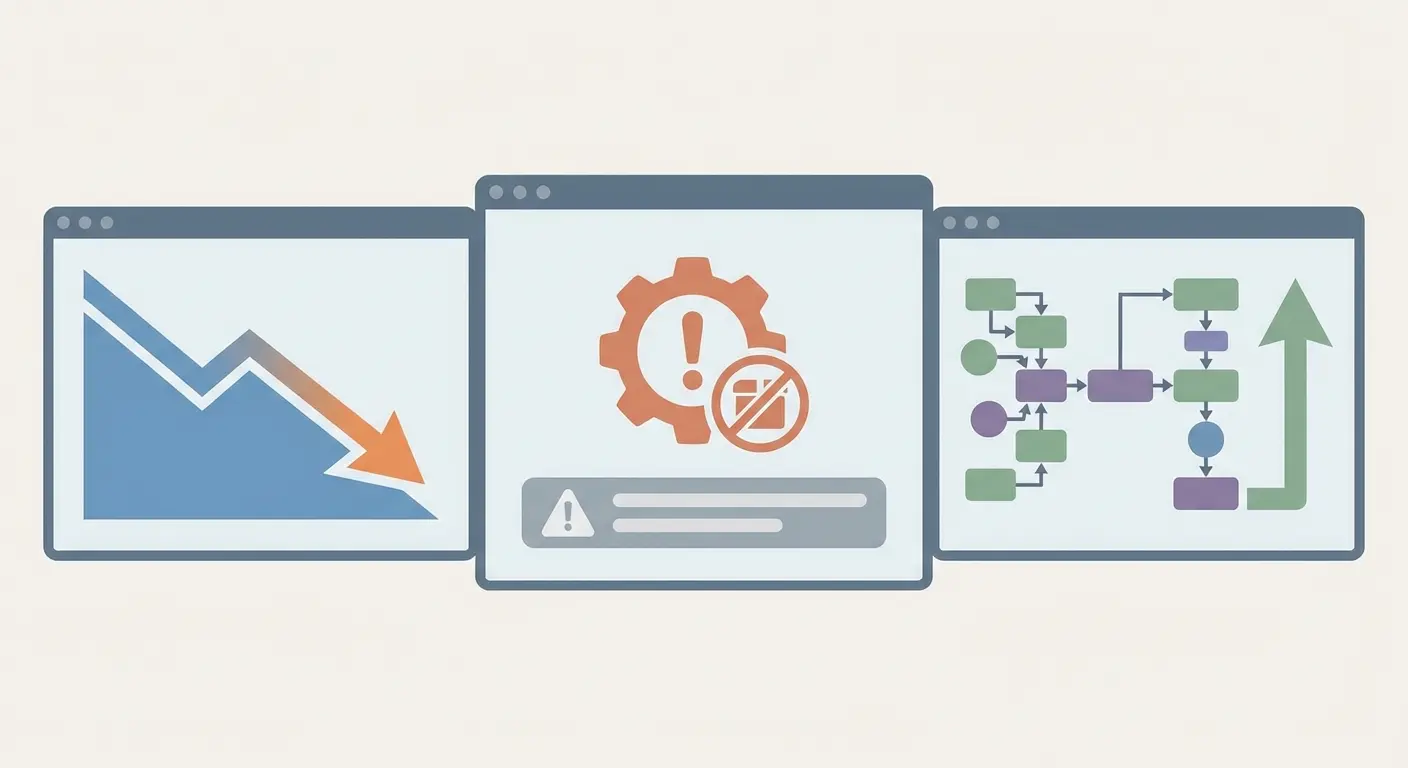
Case 1: The “Invisible” best seller
A private label seller sees a top SKU drop to near-zero impressions overnight. Ads stop spending normally.
Diagnosis:
ASIN search returns no results, which matches Amazon listing active but not searchable symptoms.
The SKU shows suppression indicators in Seller Central.
A recent main image update introduced a non-compliant element.
Fix:
Replace the image with a compliant version.
Allow time for catalog and search reprocessing.
Outcome: visibility often returns after processing, but timing varies by category and marketplace.
Case 2: Active but not ranking
A seller sees declining traffic. The listing is active and the ASIN is searchable.
Diagnosis:
The ASIN is indexed.
No suppression indicators appear.
A recent browse classification or category-related change reduced relevance signals.
Fix:
Correct classification inputs where appropriate.
Reinforce accurate backend attributes.
Adjust PPC only after catalog signals are stable.
Case 3: Detail page issues after a variation change
A seller merges products into a variation family and one child becomes inaccessible or effectively disappears.
Diagnosis:
The child behaves like Amazon detail page removed or unavailable for customers.
Notifications or policy flags suggest a variation policy issue.
Fix:
Correct the variation structure to match allowed themes and attribute requirements.
Provide documentation if requested.
Separate ASINs where a variation is not valid.
Common Misinterpretations That Cost Sellers Time
“It’s just an indexing delay.” Amazon search indexing delay happens, but it should not be your default explanation when the ASIN remains unfindable after normal processing windows or when Seller Central shows quality flags.
“If it’s active, it’s visible.” Not necessarily. Offer status and search visibility are different systems. Amazon listing active but not searchable is common during suppression and reprocessing.
“PPC will fix it.” If the catalog is unhealthy or the ASIN is not discoverable, ads may under-serve or fail to deliver expected visibility. Advertising cannot reliably compensate for suppression or major catalog errors.
“Amazon will notify me.” You may not get a clear notification for every discoverability issue. Use routine checks, including check if Amazon listing is suppressed workflows and the Amazon listing quality dashboard.
Where Suppression Logic Gets Complicated
Amazon’s suppression and catalog systems are automated and can produce edge cases:
Backend attribute conflicts that do not surface cleanly in the UI
Contribution conflicts on shared listings where another contributor’s data affects the page
Parent indexed while a child is suppressed due to missing variation attributes
Marketplace differences in required attributes and validation rules
Frequent edits can extend Amazon search indexing delay. That can make suppression look persistent when the system is still reprocessing.
Practical Rules for Keeping Listings Searchable

Over time, build guardrails:
Review the Amazon listing quality dashboard weekly
Limit unnecessary title and category changes once stable
Validate flat files before upload and keep version control
Monitor ASIN searchability after major updates
Separate compliance fixes from conversion-rate optimization tests
What Matters Most When Visibility Drops
If your Amazon listing not showing up in search results, diagnose before you optimize.
Use a simple order of operations:
Confirm whether the Amazon ASIN not searchable issue is real by testing ASIN search
Use Seller Central tools to check if Amazon listing is suppressed
Resolve missing Amazon listing data and compliance issues first
Verify pricing and offer buyability
Then, after reprocessing, work to restore Amazon listing visibility through relevance and conversion improvements
Getting the taxonomy right, keeping required attributes complete, and reacting with precision is how you fix suppressed Amazon listing problems without creating new ones.