How to Find an Amazon Storefront and Seller Profile

Olivia Reyes
How to Find a Storefront on Amazon
Clicking through a listing to figure out who is actually behind an offer can turn into a maze of “Sold by,” brand pages, and unrelated search results. For competitor research, reseller tracking, or partner due diligence, knowing how to find a storefront on amazon - and what that storefront does not prove is a practical skill.
Storefronts, seller profiles, brand stores, and influencer pages aren’t the same thing
Amazon surfaces different “identity” pages, and mixing them up leads to bad assumptions.
Seller storefront / seller profile page (third-party seller page):The page you reach when you click a seller name in the offer area (for example, “Sold by: XYZ-Store”). It typically shows seller feedback, a business information section (details may be limited), and a view of listings/offer activity connected to that seller account. This is what many sellers mean by a “storefront,” even when Amazon labels it as a seller profile.
Brand Store (Amazon Store):A curated brand experience, often on a
/stores/URL. It’s usually controlled by the brand owner or an authorized user via Brand Registry. It is not a reliable indicator of which merchant is selling a specific offer on a given ASIN at a given moment.Brand page:A page tied to a brand name used for navigation and discovery. It is not a seller identity and may show products offered by many merchants.
Influencer storefront:A curated page tied to an influencer program account, typically presenting product lists or recommendations. It may look like a store, but it is not a seller profile and usually will not provide the business identity details you’d use for compliance or account-level verification.
If your goal is identifying who is offering the item right now, where the seller says they are based, and what else they appear to sell, you want the seller profile page. If your goal is evaluating merchandising and positioning, you want the Brand Store. If your goal is assessing creator-style product selection and fit, you want an influencer storefront.
The reliable paths Amazon gives you (and the ones that waste time)
There are three entry points that work consistently in most cases. A few other routes can work, but they’re less dependable and more likely to send you to a brand surface instead of a seller surface.
Path 1: From an offer on a listing (the most direct)
On a product detail page, look for a line like:
“Sold by [SellerName]”
“Ships from Amazon, Sold by [SellerName]” (common for FBA offers)
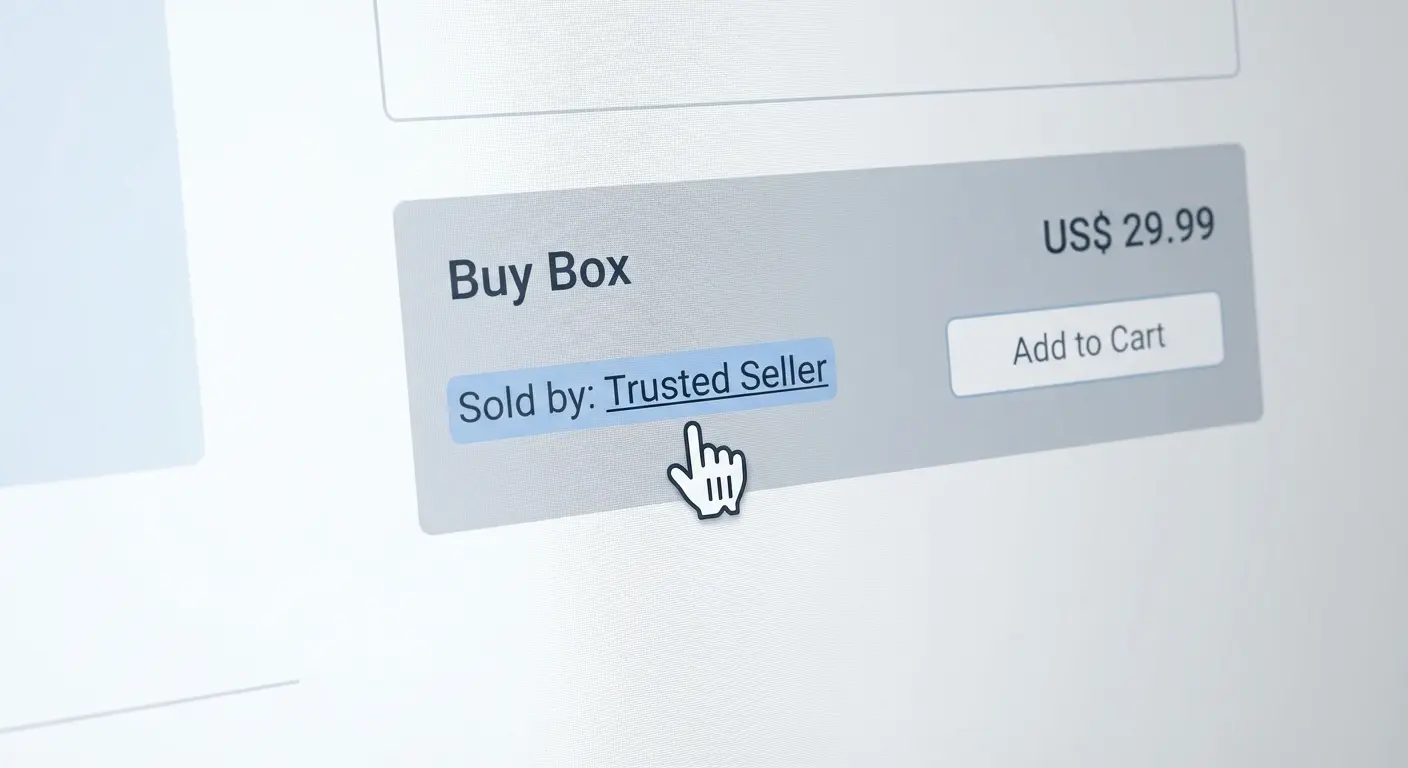
Clicking the seller name usually opens the seller profile page, which is the core workflow for how to find a storefront on amazon when you already have a listing in front of you.
Expectation vs reality
You may not always see a clean “Sold by” line above the fold.
On some layouts (especially mobile), merchant details can be collapsed behind an offer module or an “Other sellers” entry point.
If you’re trying to identify a recurring reseller, don’t rely only on the visible Buy Box offer. Open the offer list and check the specific merchant on the exact variation/child ASIN you care about, because Buy Box winners and offer visibility can differ across variations and change over time.
Path 2: From “Other sellers” / offer listings (best for reseller tracking)
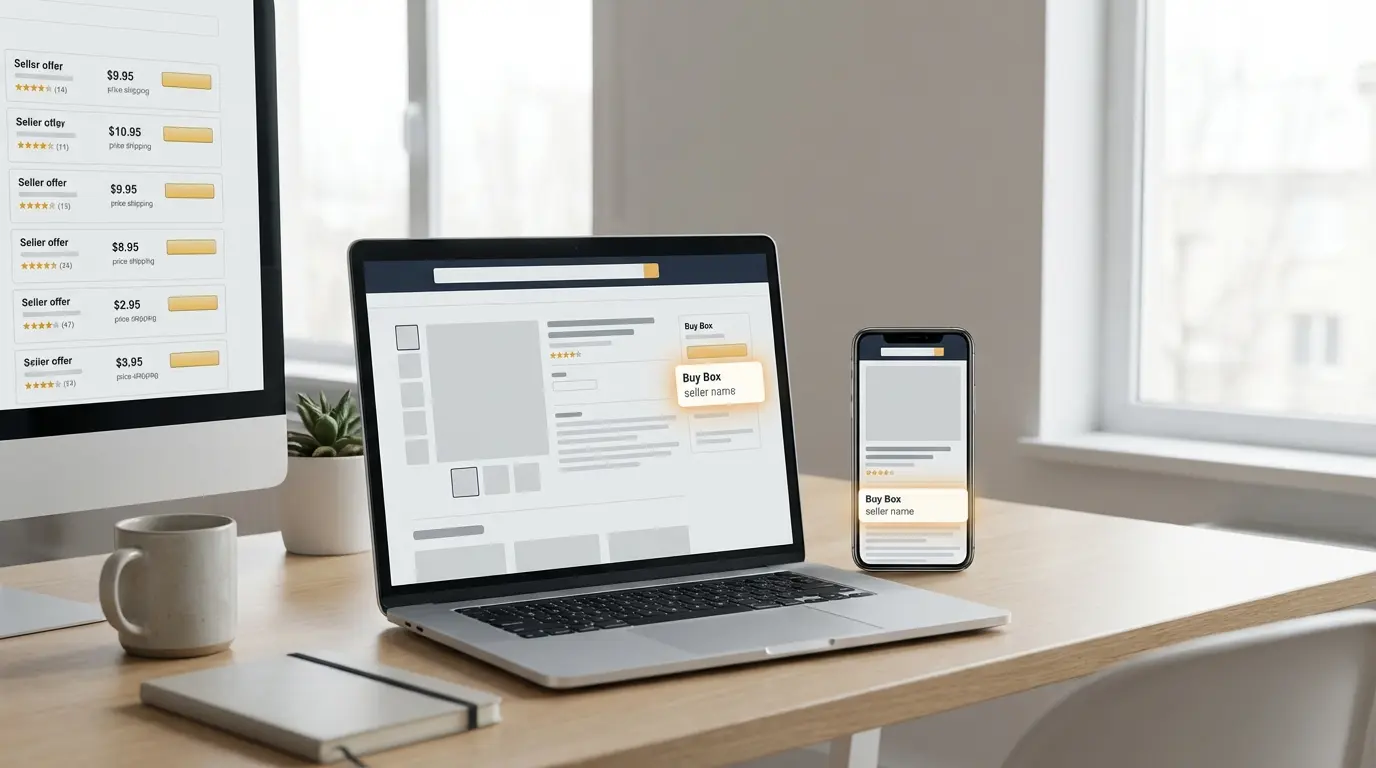
On the listing, open the offer list (often labeled “Other sellers on Amazon,” “Other offers,” or similar). You’ll typically see multiple offers, and each merchant name is usually clickable to their seller page.
This is often the fastest way to confirm:
who is on the ASIN right now (as displayed at that time),
which offers are FBA vs FBM (based on the offer details shown),
whether several seller names look operationally related (a clue, not proof).
Important caution: similar names, similar pricing behavior, or timing patterns do not prove that accounts are linked or commonly owned. Treat those as leads for further verification, not conclusions.
Path 3: From a storefront URL pattern (useful when you have partial info)
If you have a seller’s merchant ID/token from a prior click-through, seller pages often use URL patterns like:
amazon.com/sp?seller=...amazon.com/s?me=...
Formats can vary, and Amazon changes UI and routing tests over time, but seller pages typically include a seller parameter and are distinct from/stores/Brand Store links.
Practical workflow: if a teammate sends only a seller name (no link), searching that name can produce noisy results. It’s usually faster to find one listing where they’re offering, click the seller name from the offer area, and then save the seller page URL for future reference.
How to find a storefront on Amazon app (where the click path can be less obvious)
The app can work fine, but seller identity is not always presented as a clear hyperlink.
On a product page in the Amazon app
Open the product detail page.
Scroll to the offer section (the Buy Box / purchase area).
Tap the line that shows the seller (often “Sold by …” within the offer module).
If the seller line isn’t tappable or isn’t visible, open the offer list (for example, “Other sellers” or “Other offers”), then tap the merchant name there.
In practice, how to find a storefront on amazon app often means going through the offer list instead of trying to tap the seller name in the main page layout.
Why app results can look different than desktop
Depending on device, account state, and Amazon UI tests, the app may:
simplify or collapse merchant identity details,
prioritize brand/category navigation,
route you to a brand surface when you expected a seller surface.
When accuracy matters (compliance decisions, enforcement workflows, high-stakes sourcing), verify on desktop as a second pass and document what you saw.
Three real-world seller use cases
Case 1: Identifying a price-tanking reseller without chasing ghosts
You see erosion on one child variation. You open that variation, open the offer list, and click the suspicious merchant’s seller profile.
Signals that can be useful (but not definitive on their own):
feedback volume and recent trend,
whatever business info is displayed on the profile (which may be partial),
the apparent mix of categories they offer in.
Operational note: a broad, seemingly unrelated catalog can be consistent with liquidation or opportunistic reselling, but it can also reflect legitimate multi-category selling. If you move toward enforcement, rely on purchase-based evidence and chain-of-custody documentation rather than assumptions drawn from catalog appearance.
Case 2: Vetting a “partner” who claims to be a brand owner
A potential wholesale partner sends a/stores/...link and calls it their storefront.
You verify by working backward from actual offers:
On their products, who shows as “Sold by” for the offers you’re evaluating?
Does the seller profile reflect the same business identity you’re negotiating with (to the extent Amazon displays it)?
Are multiple unrelated sellers frequently holding the Buy Box on those ASINs?
Practical takeaway: a Brand Store can be legitimate and well-built and still not prove the merchant-of-record for the inventory you’re buying.
Case 3: Evaluating an influencer page for promo fit
You want to see how a creator curates products in your category. You find their amazon influencer storefront (often linked from their social profiles) and review:
whether your category appears naturally in their lists,
the mix of price points and brands they feature,
whether their curation looks deal-driven, brand-driven, or trend-driven.
Limitation: you generally won’t get the seller-style business identity details you’d get from a seller profile page. Treat this as merchandising and audience-fit research, not seller verification.
Misreads that cost sellers time (and sometimes lead to bad decisions)
“This store proves who owns the listing.”A seller profile shows who is offering an item (as displayed at that moment). It does not prove trademark ownership, brand authorization, exclusivity, or rights to the listing content.
“The Brand Store is the seller storefront.”Brand Stores are marketing surfaces. The Buy Box offer could be Amazon Retail, the brand’s seller account, or a reseller.
“If I can’t find the storefront, they’re hiding.”Sometimes Amazon’s UI simply doesn’t surface a clean path (especially on mobile), or you’re looking at an Amazon Retail offer where a third-party seller page isn’t the primary surface shown.
“One ASIN equals one seller identity.”Variations can have different offer dynamics per child, and offer lists can change frequently.
The messy parts: when storefront tracing gets ambiguous
If you’re using storefront discovery for enforcement, compliance, or sourcing decisions, a few edge cases matter:
Amazon Retail vs third-party sellers:When Amazon Retail is the seller of record for a displayed offer, the experience differs from third-party seller pages. You may need to open the offer list to locate third-party offers (if any are present).
Multiple storefronts that seem connected:Larger operators may run multiple seller accounts under separate business entities or structures. Similar naming is not proof of linkage, and attempting to “connect the dots” without evidence can lead to incorrect accusations.
Limited business info:Amazon may display only partial seller information depending on marketplace, account type, and interface experiments. Missing data isn’t reliable proof of wrongdoing.
Marketplace differences:A seller may operate on one marketplace (for example, .com) and not another, and storefront URLs do not always translate cleanly across marketplaces.
Agency-managed brand assets:A polished Brand Store can be built and managed by an agency on behalf of a brand. It can be useful for merchandising research but is weak evidence of who you’re dealing with on the fulfillment and invoicing side.
When you use storefront discovery as part of an enforcement workflow, keep conclusions evidence-based: Amazon generally responds better to documented ASIN-level behavior, test buys, and traceability than to inferences drawn from surface-level storefront signals.
What to remember when you’re doing this fast during the workday
Clicking the seller name in the “Sold by” line is usually the quickest route to the seller profile; the offer list is the best fallback.
On mobile, how to find a storefront on amazon app is often easiest via the offer list because the seller name isn’t consistently presented as a direct link.
A Brand Store is marketing; it’s not proof of merchant identity for any specific offer.
An amazon influencer storefront is useful for promo-fit research, not seller verification.
Don’t decide from a single snapshot check the exact child variation and re-check later if the decision is high impact.
When it matters, capture evidence: save the seller page URL, screenshot the offer list with a timestamp, and record the ASIN and variation you reviewed.