Handle Amazon Stockouts Without Losing Rankings

Sarah Johnson
How to Handle Stockouts on Amazon Without Losing Rankings
If your SKU goes out of stock for 18 days, restocks, and then never regains its previous keyword positions, the problem is often not the stockout alone. It is how you handled the weeks before and after, plus what your competitors did while you were unavailable.
Every experienced seller will deal with stockouts at some point. Containers get delayed. Forecasts miss. A social spike drains inventory in a week. The real question is not whether you can avoid every stockout, but how you keep an out-of-stock ranking drop from turning into a long-term decline.
This guide breaks down how to prevent Amazon FBA stockouts, how to fix Amazon out of stock ranking drop when it happens, and how to recover Amazon rankings after stockout without overspending on ads or damaging profitability.
What Actually Happens to Rankings When You Go Out of Stock
Before you can fix the problem, you need to understand what shifts when inventory hits zero.
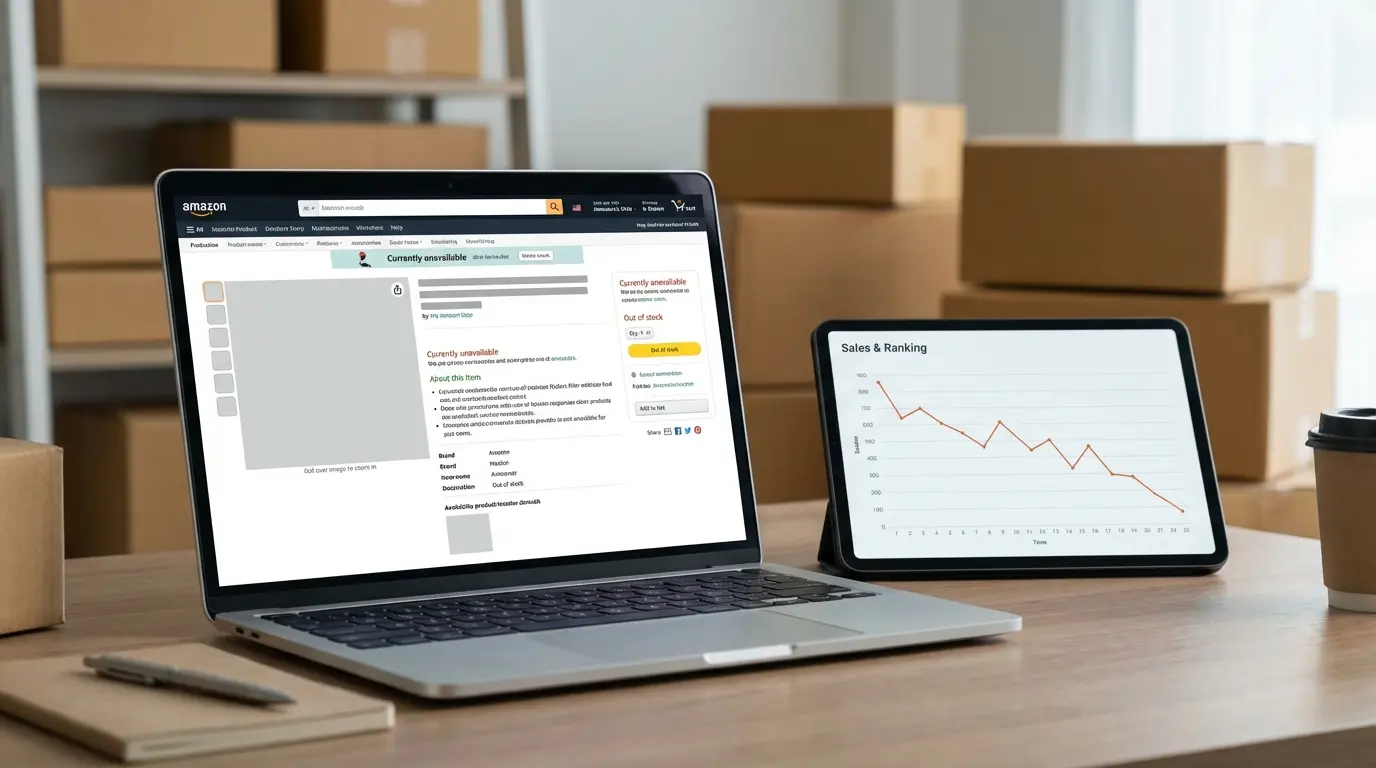
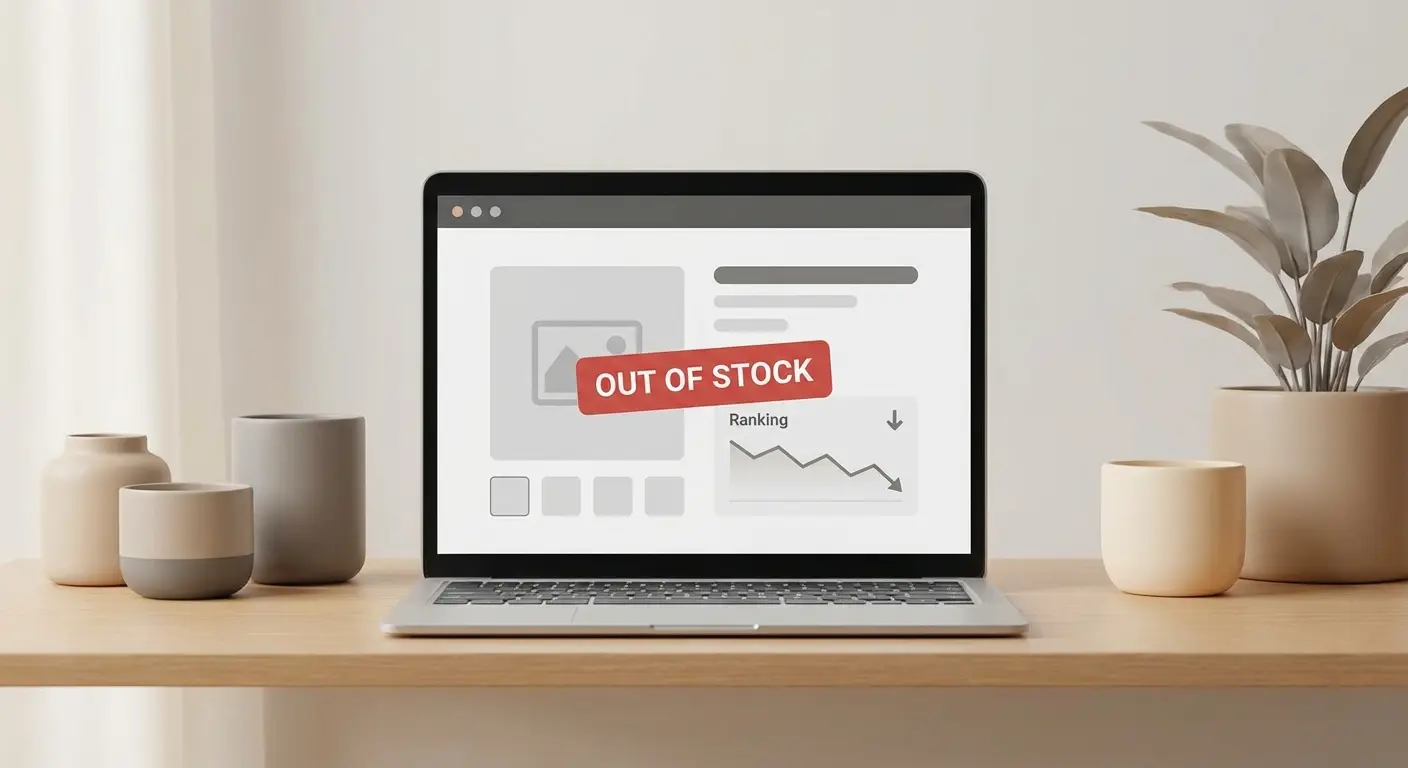
When a listing goes out of stock, you typically see:
Sales velocity drops to zero for that ASIN.
Best Seller Rank (BSR) worsens over time as other products in the category keep selling.
Organic keyword positions often slide as competitors accumulate sales and engagement.
Sponsored ads can stop serving or become inefficient depending on campaign settings and eligibility.
Buy Box control can become unstable, especially if other sellers are on the listing.
Amazon ranking systems heavily weight recent performance signals, including sales and conversion. When you remove those signals, visibility often reallocates to offers that can convert immediately. The speed and severity vary by category, competition level, and how long you are out of stock, so treat “how fast you drop” as variable, not guaranteed.
An Amazon BSR recovery service or expert Amazon seller account management team cannot override the algorithm or instantly restore prior positioning. Recovery usually comes from rebuilding sales and conversion signals over time.
Preventing the Problem: Inventory as a Ranking Strategy
Many sellers treat inventory as an operations function. In practice, inventory planning is also a ranking defense.
If you want to prevent Amazon FBA stockouts, plan around:
Lead time variability, not average lead time.
Demand spikes, not only trailing averages.
Amazon receiving and check-in uncertainty, not only factory departure dates.
A practical approach is to build safety stock around conservative inbound timelines. If your supplier quotes 35 days and your worst-case has been 52, planning against 52 is often safer for rankings and revenue.
This is where an Amazon FBA restock strategy expert or Amazon inventory management agency can add leverage. The value is in modeling:
Rolling 30/60/90-day sell-through.
Seasonality overlays.
Promotion-driven spikes.
Advertising scale plans tied to coverage windows.
Seller reality: ads amplify inventory risk. If you scale PPC without extending your weeks of cover, you compress runway and increase the chance of a ranking-damaging stockout.
Slowing Down Sales Without Breaking the Buy Box
When you see a stockout coming, your objective shifts from growth to controlled deceleration.
Gradual price adjustments

Raising price can slow velocity, but sharp increases can reduce conversion and sometimes reduce Buy Box share. Buy Box eligibility and rotation depend on multiple factors, including landed price, fulfillment method, and account performance.
Instead:
Increase in measured increments.
Monitor Buy Box percentage and conversion rate.
Track sessions and unit session percentage day to day.
If Buy Box share falls materially, revert slightly and reassess. The goal is to stretch remaining units without destabilizing the offer.
Tighten or pause advertising early
Amazon PPC management during stockout risk requires discipline. Many sellers wait until the last few units to pause ads. By then, you may have already accelerated the sell-out.
When inbound inventory is uncertain:
Reduce top-of-search aggressiveness.
Pause broad and auto campaigns first.
Keep only high-converting branded and proven exact terms if needed.
If you are down to minimal units and do not have a reliable check-in timeline, a full pause can be the least damaging option. Paying for traffic you cannot fulfill consistently often increases the size of the drop you must later rebuild.
What to Do When Inventory Hits Zero
Once you are fully out of stock, your priorities change again. You are no longer managing sales. You are managing decline and preserving the ability to rebound cleanly.
Decide whether to close the listing
Some sellers choose to close a listing while out of stock. This does not guarantee that rank or BSR will “freeze,” and outcomes vary by category, offer structure, and timing. For variation families, changes at the child level can affect how shoppers route and how the parent displays, so be cautious and validate effects in your own niche.
If you test closing, document baseline metrics, change one variable at a time, and be ready to revert.
Avoid “reset” tactics
Restocking does not reliably provide a new-listing honeymoon effect. Attempts to force a reset through cosmetic changes or release-date manipulation are not dependable and can create compliance risk if they misrepresent product information. If you need to recover Amazon rankings after stockout, assume you are rebuilding, not restarting.
The Right Way to Relaunch After a Stockout
The biggest mistake sellers make is treating restock as business as usual. Operationally the product is back, but ranking signals may be weakened.
Step 1: Audit the damage
Before turning ads back on:
Check organic positions for top keywords.
Compare pre-stockout and post-restock BSR trend.
Review competitor pricing, review counts, and offer structures.
This is where expert Amazon seller account management is useful. You want a measured plan based on what changed while you were gone.
Step 2: Stabilize conversion
If competitors gained reviews or improved their offers, your conversion rate may drop even if traffic returns.
Amazon listing optimization after stockout should focus on conversion fundamentals:
Refreshing main images if they are outdated or no longer competitive.
Tightening copy around primary buyer intents and accurate claims.
Updating A+ content if Brand Registry access is available and positioning shifted.
Revalidating backend search terms within Amazon policy and character limits.
Treat this as performance work, not a cosmetic rewrite. Better conversion makes every recovery dollar more efficient.
Step 3: Reintroduce ads strategically
Amazon PPC management during stockout recovery should prioritize efficient signal rebuilding, not maximum bids everywhere.
Start with:
Branded campaigns to reclaim owned demand.
Exact match on historically top-performing non-branded terms.
Selective placements where you previously converted strongly.
Scale broad and exploratory campaigns only after you see stable conversion and early organic movement. Pushing too hard too early can inflate ACoS without restoring durable rank.
Step 4: Price for momentum, then normalize
If your price increased during deceleration, consider returning closer to the competitive baseline to stimulate velocity. A short-term margin dip can be rational if it speeds recovery, but set guardrails so temporary pricing does not become permanent erosion.
An Amazon BSR recovery service often coordinates pricing, PPC, and on-page improvements into one timeline. The advantage is alignment across levers, not a guaranteed outcome.
Buy Box Instability After a Stockout

If other sellers stepped in during your stockout, Buy Box control can become a separate battle.
A practical Amazon Buy Box recovery strategy includes:
Keeping landed price competitive relative to comparable offers.
Monitoring fulfillment type differences (FBA vs FBM competitors).
Checking account health signals that can affect offer competitiveness and eligibility.
Auditing repricers and minimum prices for unintended misalignment.
Even if you are the only seller, Buy Box behavior can fluctuate after major pricing or availability changes. Avoid assuming Buy Box loss is purely a price issue. It can also reflect offer history, fulfillment performance, or broader account-level factors.
Case Scenarios Sellers Actually Face
Case 1: The aggressive ad scaler
A private label seller doubled PPC spend during Q4, underestimated replenishment lead times, and went out of stock for 21 days.
After restock:
Organic rank for the primary keyword fell from page 1 to page 3.
BSR worsened materially compared to pre-stockout trend.
Recovery required:
Temporary price adjustment.
Concentrated exact-match PPC on former top terms.
Image updates to improve click-through rate.
Full recovery took weeks of consistent sales. The lesson was not that ads are bad. It was that scaling ads without extending inventory coverage increases the chance of a long recovery.
Case 2: The long inbound delay
A container delay led to a 35-day stockout.
The seller ran campaigns until the final units sold, which likely shortened the in-stock window and increased the severity of the decline.
Post-restock recovery costs were higher because:
More rank was lost.
Competitors accumulated additional reviews and sales history.
Auction dynamics shifted in the interim.
In this scenario, better Amazon PPC management during stockout risk could have reduced total damage.
Common Misconceptions That Hurt Recovery
“If demand is strong, rankings will come back automatically.”
Demand helps, but Amazon still responds to recent performance signals. Recovery usually needs deliberate rebuilding.
“Brand Registry protects my listing.”
Brand Registry helps with content control and brand tools. It does not protect rankings during zero inventory.
“Closing the listing guarantees BSR protection.”
There is no guaranteed freeze mechanic. Results vary by category and timing.
“An agency can restore rankings instantly.”
An Amazon inventory management agency or Amazon BSR recovery service can coordinate the process, but they cannot override ranking inputs. Recovery depends on regained sales and conversion.
Edge Cases and Structural Limits
Some situations are harder to recover from:
Highly seasonal products where the stockout overlaps peak demand.
Niches with low barriers where competitors rapidly undercut pricing.
Listings with weak review depth before the stockout.
In extreme cases, the cost to fix Amazon out of stock ranking drop can approach the cost of launching a new SKU. It is not the norm, but it can happen in highly competitive subcategories.
Another structural constraint is Amazon receiving delays. Even when inventory is delivered, delays in “Available” status can slow the restart. Build that latency into planning rather than assuming immediate sales resumption.
If account health or fulfillment performance deteriorated during the window, Buy Box recovery can lag behind keyword recovery. These systems are related but not identical.
What Experienced Sellers Should Keep in Mind
Inventory management is ranking management. Forecast against conservative lead times, not optimistic ones.
Slow down sales early when a stockout becomes likely.
Restock is a relaunch. Audit rank, conversion, pricing, and competitor positioning before scaling.
Use focused PPC to rebuild velocity, then expand once organic movement resumes.
Temporary margin sacrifices can make sense if they accelerate ranking recovery.
Buy Box instability after a stockout needs separate monitoring and a defined Amazon Buy Box recovery strategy.
The cheapest way to recover Amazon rankings after stockout is still to prevent Amazon FBA stockouts in the first place.
If you need outside help, an Amazon BSR recovery service paired with expert Amazon seller account management can speed execution, but results still depend on competitive conditions and sustained performance signals.